YouGooDai
Mobile of the Day

YouGooDai

5.0 FREE
  • Screenshot 1
  • Screenshot 2
  • Screenshot 3
  • Screenshot 4
  • Screenshot 5
  • Screenshot 6
  • Screenshot 7
  • Screenshot 8

Description

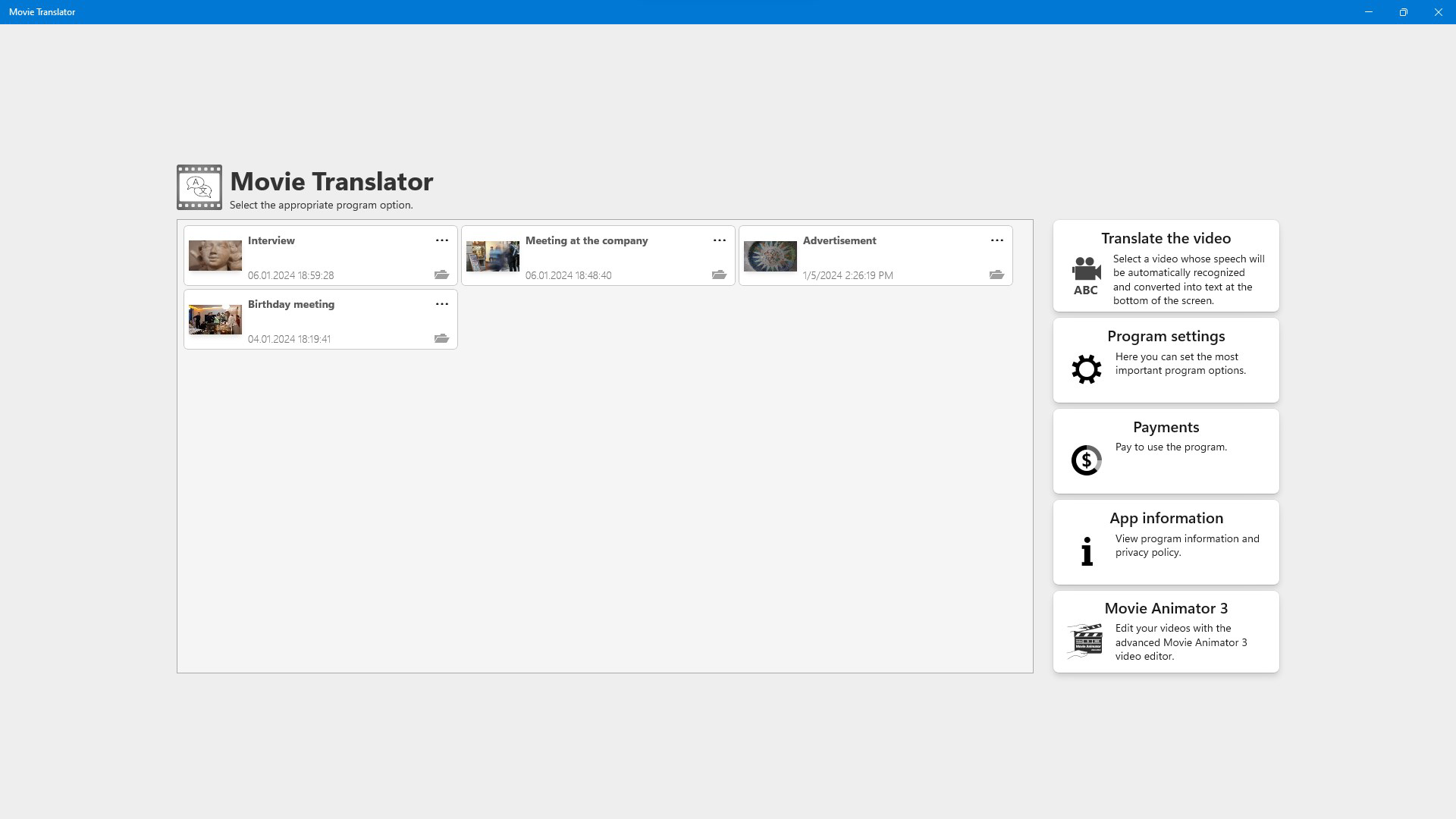
About Movie TranslatorMovie Translator is an innovative application designed for filmmakers and content creators seeking to translate their videos into more than 120 languages. With its advanced speech recognition and synthesis capabilities from leading tech giants like Google and Microsoft, it offers high-quality translations and effective video editing. Users can test its features for free, making it an accessible choice for those wanting to reach a global audience. Features of Movie Translator - Automatic Speech Recognition: The program automatically detects and transcribes spoken dialogue in videos, significantly streamlining the translation process. Users can easily correct and format the generated texts to ensure accuracy. This feature allows for precise timing of subtitles with the corresponding speech. - Multilingual Translation Support: Movie Translator supports translation into over 120 languages, opening up a world of possibility for global audiences. The translated texts can be read aloud by a speech synthesizer, providing an immersive experience. This functionality is perfect for accessibility and broader distribution. - High-Resolution Editing: The application supports video editing for resolutions up to 8K, allowing for professional-grade outputs. This ensures that even high-definition content can be translated and edited without loss of quality. Users can retain the visual integrity of their films while adapting them for various languages. - Local Editing Protection: Movie Translator operates entirely on the user's local machine, ensuring that privacy and security are maintained. Unlike some cloud-based services, no video content is uploaded to external servers, reducing the risk of data breaches. This feature is appealing for users concerned about confidentiality. - Free Trial Version: Users can explore Movie Translator's capabilities with a free trial that allows translation of the first minute of any video. This demo mode provides an excellent opportunity to assess the software's features and usability before committing to a purchase. It’s a great way to ensure the application meets specific translation needs. Release Date of Movie Translator 2023-12-19Reviewed by Arnold A. HoweShow MoreShow Less

Guides & Tutorials for Movie Translator

How to install Movie Translator
  1. Click the Preview / Download button above.
  2. Once redirected, accept the terms and click Install.
  3. Wait for the Movie Translator download to finish on your device.
How to use Movie Translator

This software is primarily used for its core features described above. Open the app after installation to explore its capabilities.

User Reviews for Movie Translator 0

    No reviews found

Similar Apps
